
Dactyl Manuform: The Board Before ArkButton
The handwired split keyboard I used before going wireless. Sculpted case, two Pro Micro ATmega32U4s, a TRRS cable, and QMK firmware that, honestly, never shipped.
This board is retired. It was replaced by ArkButton, wireless, ZMK, 58 keys. The interesting part is that the layout moved across intact, so this page is really the story of where that layout came from.
The grey Dactyl Manuform was the first split keyboard I used daily: a 3D-printed case sculpted to finger length, an angled thumb cluster, two halves joined by a TRRS cable, all handwired.
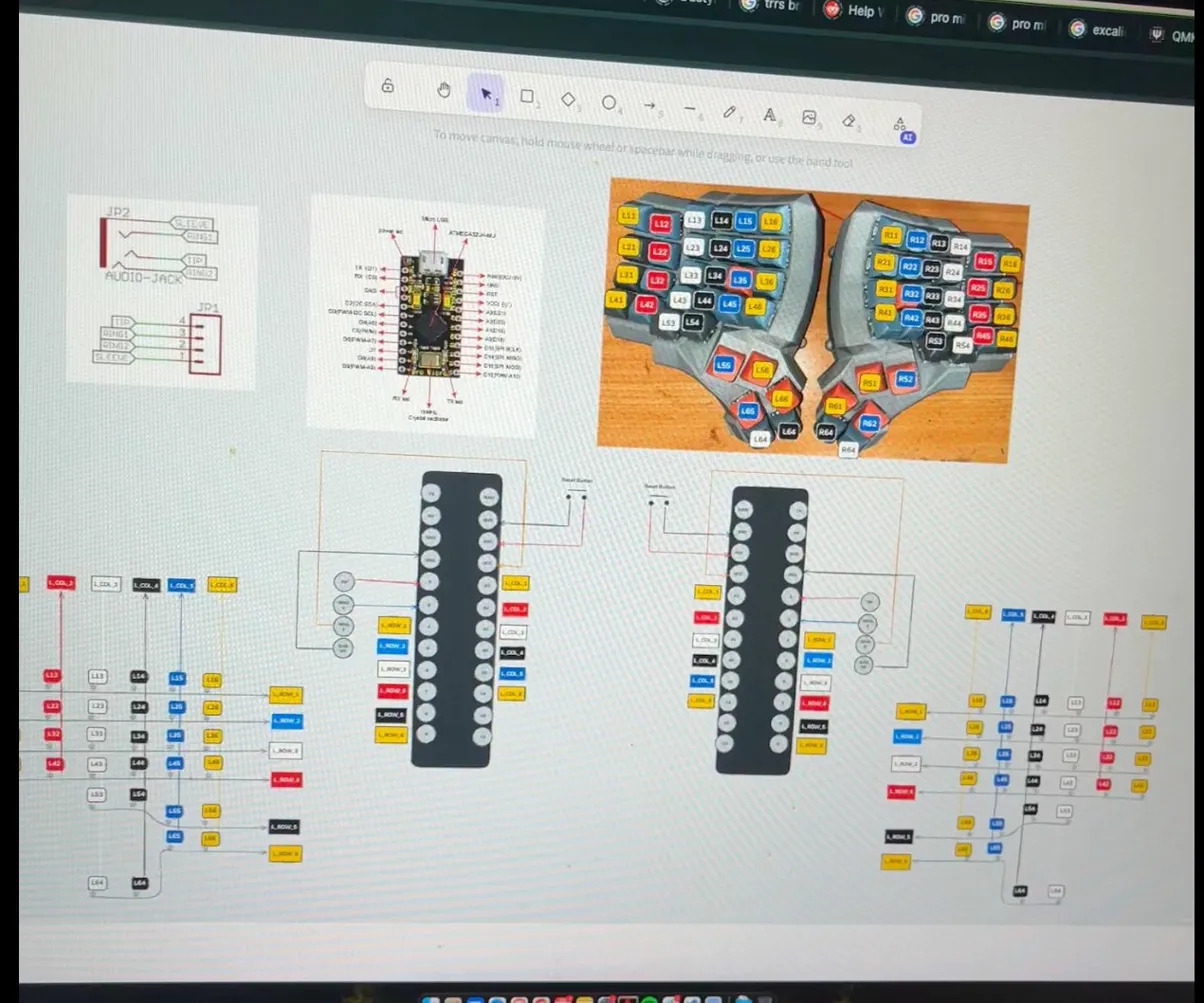
Specification
| Item | Detail |
|---|---|
| Layout | Dactyl Manuform 4×6 (ergonomic split) |
| MCU | Pro Micro (ATmega32U4) × 2 |
| Firmware | QMK |
| Split connection | TRRS cable |
| Matrix | 4 finger rows × 6 columns + 2 thumb per side = 52 keys |
| Diode direction | COL2ROW |
| Master side | Right (MASTER_RIGHT) |
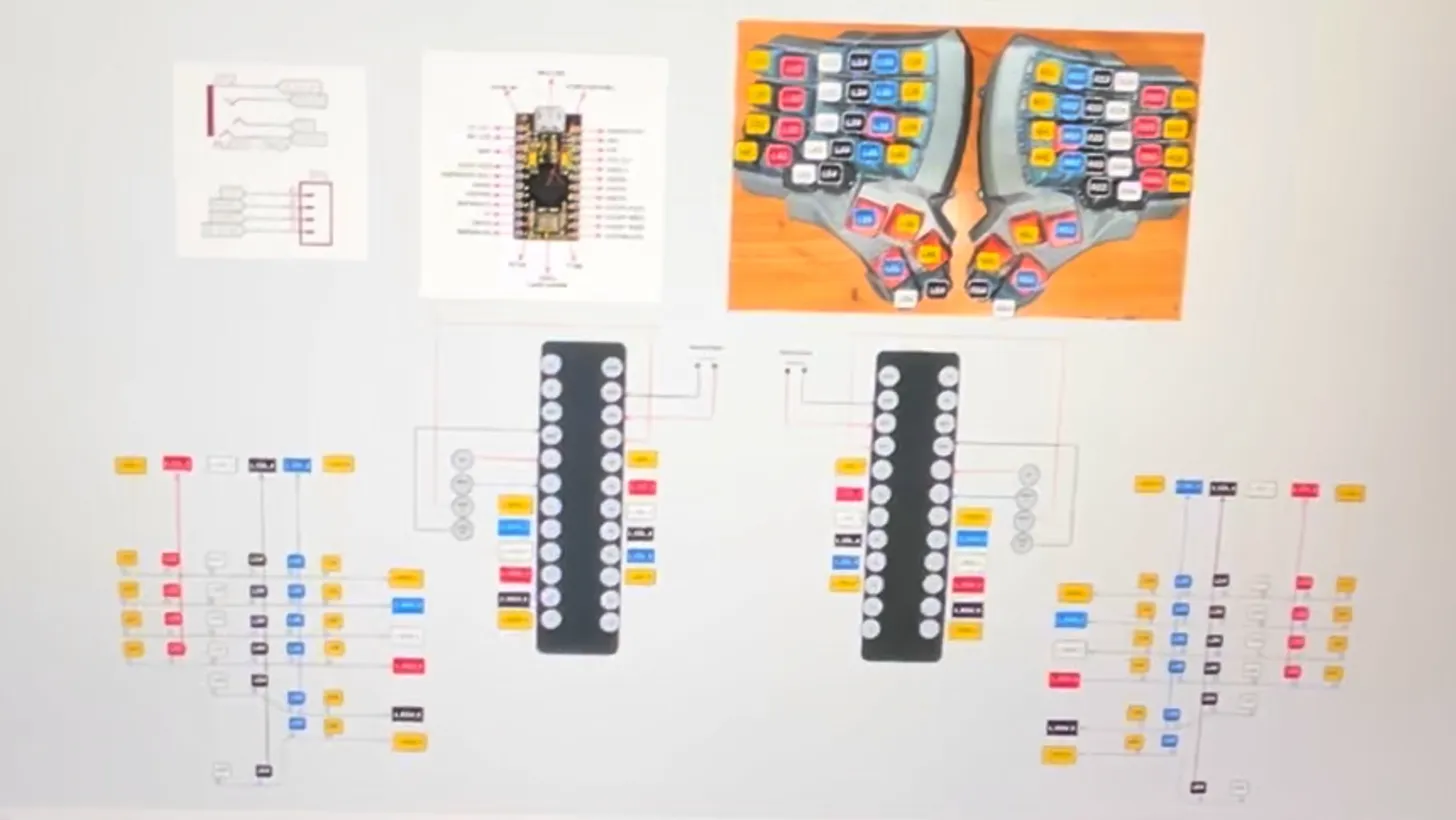
The layout that survived
This is the part that matters. This board’s keymap has three layers: base QWERTY, numpad, navigation. When I built ArkButton a few months later, its ZMK keymap was written by copying all three almost line for line: numpad in the same places, arrows on the same A S D F, and the KC_HOME that sits here on the bottom right row.
Only two things changed on the new board: a number row was added (four rows became five), and the left pinky column was rearranged so Esc moved up to the home row with Ctrl beneath it. Everything else is the same. The hardware could be replaced wholesale; my fingers never found out.
// Layer 0, base — dactyl-manuform-keyboard/.../keymaps/default/keymap.c
KC_GRV,  KC_Q,  KC_W,  KC_E,  KC_R,  KC_T,   KC_Y,  KC_U,  KC_I,    KC_O,   KC_P,    KC_MINS,
KC_TAB,  KC_A,  KC_S,  KC_D,  KC_F,  KC_G,   KC_H,  KC_J,  KC_K,    KC_L,   KC_SCLN, KC_QUOT,
KC_LSFT, KC_Z,  KC_X,  KC_C,  KC_V,  KC_B,   KC_N,  KC_M,  KC_COMM, KC_DOT, KC_SLSH, KC_BSLS,
KC_LBRC, KC_RBRC, KC_MINS, KC_EQL, KC_LGUI, KC_SPC,  KC_ENT, KC_HOME, KC_LSFT, KC_ESC, KC_BSPC, KC_RSFT,
                                    MO(1), KC_LALT,  KC_RALT, MO(2)
The firmware never shipped
Worth saying plainly, because the repo’s own README says it plainly. The firmware reconstruction plan was laid out in seven phases (reverse the keymap off the old firmware, scaffold the QMK project, configuration files, keymap template, confirm the master method, flashing, matrix debugging) and not one of the seven is ticked.
config.h in the repo is still marked ⚠️ placeholder: its pins are copied from QMK’s default handwired/dactyl_manuform/4x6 config, not measured with a multimeter on my own board. Which means those files will not compile into correct firmware until they’re physically confirmed.
The board itself worked: it ran on older firmware that had been flashed before the repo existed. The repo was created precisely to reconstruct that firmware, and the work stopped halfway when I decided to build a new board from scratch on ZMK instead. What survived the attempt isn’t the code but the QMK Configurator export in keymap.c, which became the reference for ArkButton’s keymap.
Why I moved on
Three reasons, ordered by how often they annoyed me:
- The TRRS cable. One cable between the two hands, running exactly where a hand goes when nudging the board. Tug it slightly and the right side drops out.
- A two-key thumb cluster. Too few to hold a layer key, Space, Enter and Shift, so most of them ended up pushed back onto the finger rows.
- No number row. Digits had to come through a layer, and for things like typing a port or a package version that’s one step too many.
All three got solved on the next board, and none of them required learning a new layout.
References
| Resource | Link |
|---|---|
| QMK Documentation | https://docs.qmk.fm |
| QMK Split Keyboard | https://docs.qmk.fm/#/feature_split_keyboard |
| Pro Micro Pinout | learn.sparkfun.com/tutorials/pro-micro--fio-v3-hookup-guide |
| Dactyl Manuform QMK | https://github.com/qmk/qmk_firmware/tree/master/keyboards/handwired/dactyl_manuform |