Module 7: Exploring Computer Input and Output
Exploring computer input and output devices and peripherals
Summary
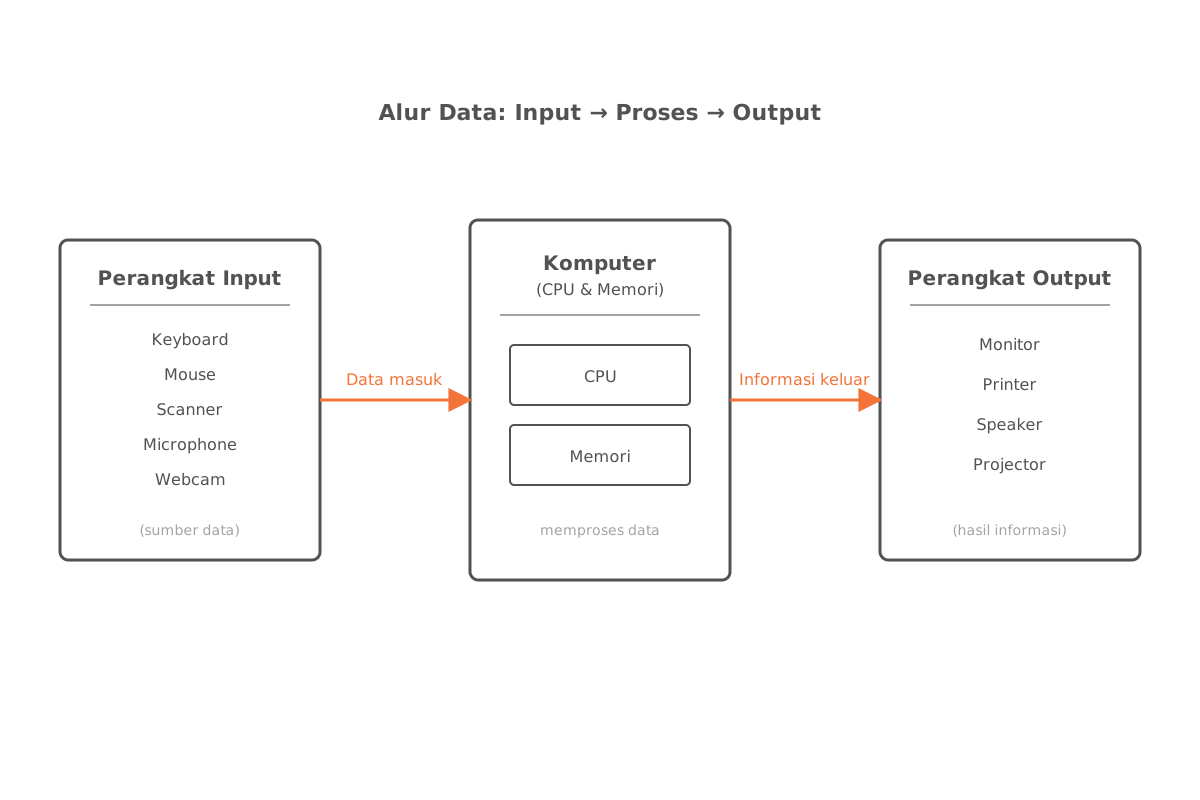
Computer components fall into two broad groups:
- Input devices — used to enter data into the computer.
- Output devices — used to display or deliver information from the computer.
The first part covers keyboards, pointing devices (mice), pen input (styluses and graphics tablets), motion-based input, voice input, video input, as well as scanners and optical readers. The second part discusses visual displays such as monitors and digital televisions, various types of printers (ink-jet, laser, 3D, all-in-one, and mobile), along with other output devices such as headphones, data projectors, interactive whiteboards, joysticks, and game controllers.
Input Components
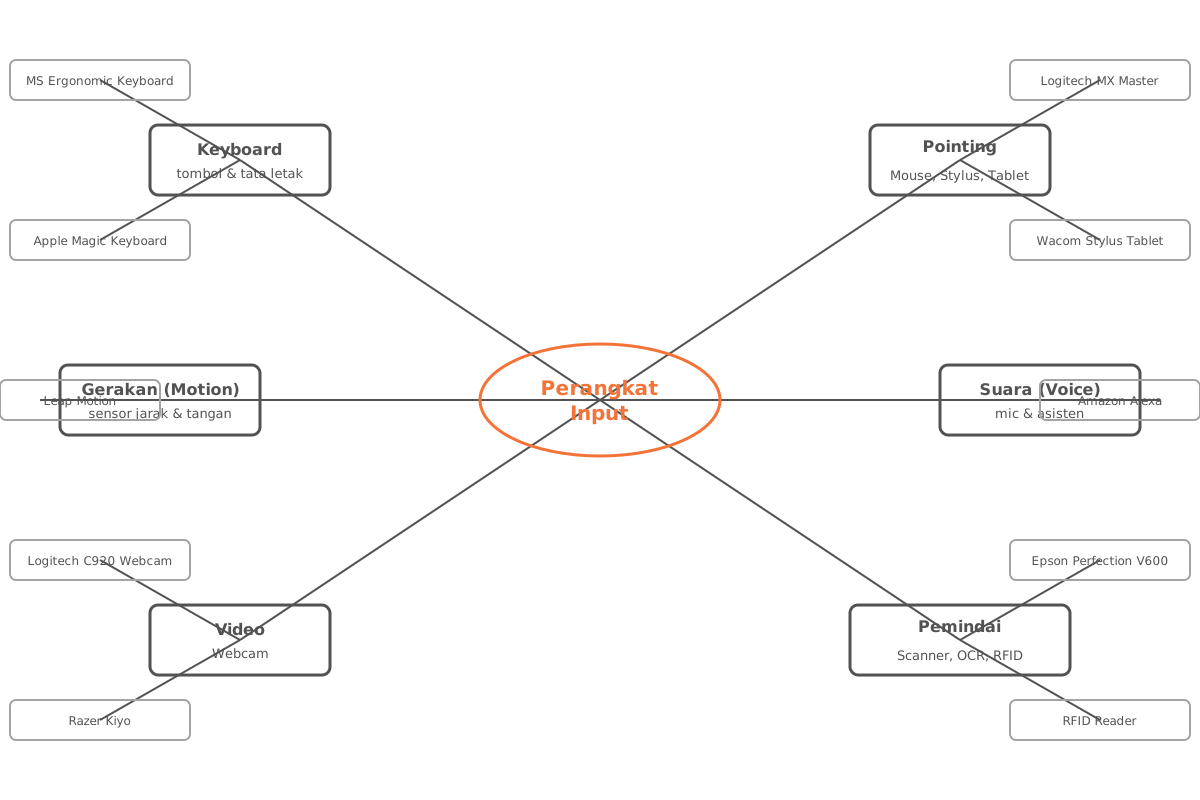
The following table summarizes real-world examples of input devices by category from Introduction to Information Technology — Module 7: Input and Output.
| No | Category | Product Example |
|---|---|---|
| 1 | Ergonomic keyboard | Microsoft Ergonomic Keyboard |
| 2 | Optical mouse | Logitech MX Master 3 |
| 3 | Flatbed scanner | Epson Perfection V600 |
| 4 | Stylus & graphics tablet | Wacom Intuos Pro |
| 5 | Motion input | Leap Motion |
| 6 | Voice input | Amazon Alexa, Google Assistant |
| 7 | Video input | Webcam |
| 8 | Scanner | Flatbed scanner, handheld scanner |
| 9 | Optical reader | Optical Character Recognition (OCR) |
| 10 | RFID | Retail item tracking, building access cards |
Notes by Category
- Ergonomic keyboards are designed to reduce wrist strain injuries during prolonged typing.
- Optical mice serve as the primary pointing device for navigating graphical interfaces.
- Flatbed scanners scan sheet-sized documents and images into digital form.
- Styluses on graphics tablets are used for drawing, digital handwriting, and precision editing.
- Motion input lets users control on-screen elements through contactless physical gestures.
- Voice input translates speech into commands or text via speech recognition.
- Video input captures moving images, typically through a webcam for conferencing or recording.
- Optical readers use light to recognize characters, marks, and codes on printed media.
- RFID uses radio signals to communicate with tags on objects without direct contact.
Output Components
| No | Category | Product Example |
|---|---|---|
| 1 | Digital monitor | Dell UltraSharp U2719DX |
| 2 | Inkjet printer | HP OfficeJet Pro 9025 |
| 3 | Laser printer | Brother HL-L2350DW |
| 4 | 3D printer | Creality Ender 3 |
| 5 | Headphones | Sony WH-1000XM4 |
| 6 | Data projector | Epson PowerLite 1781W |
| 7 | Interactive whiteboard | SMART Board |
| 8 | Game controller | Xbox Wireless Controller, PlayStation DualShock |
Notes by Category
- Digital monitors display visual output from the computer in real time.
- Printers produce text and images on physical media; common variants include inkjet and laser.
- 3D printers print three-dimensional objects layer by layer from a digital model.
- Speakers and headphones produce audio output for music, calls, or game effects.
- Data projectors project the computer display onto a large screen for presentations.
- Interactive whiteboards combine display and touch input, widely used in educational and business environments.
- Game controllers such as joysticks, gamepads, and racing wheels provide haptic feedback during play.
Note: Game controllers actually play a dual role — as input devices (receiving player commands) and as output devices (delivering vibration or haptic feedback to the player).